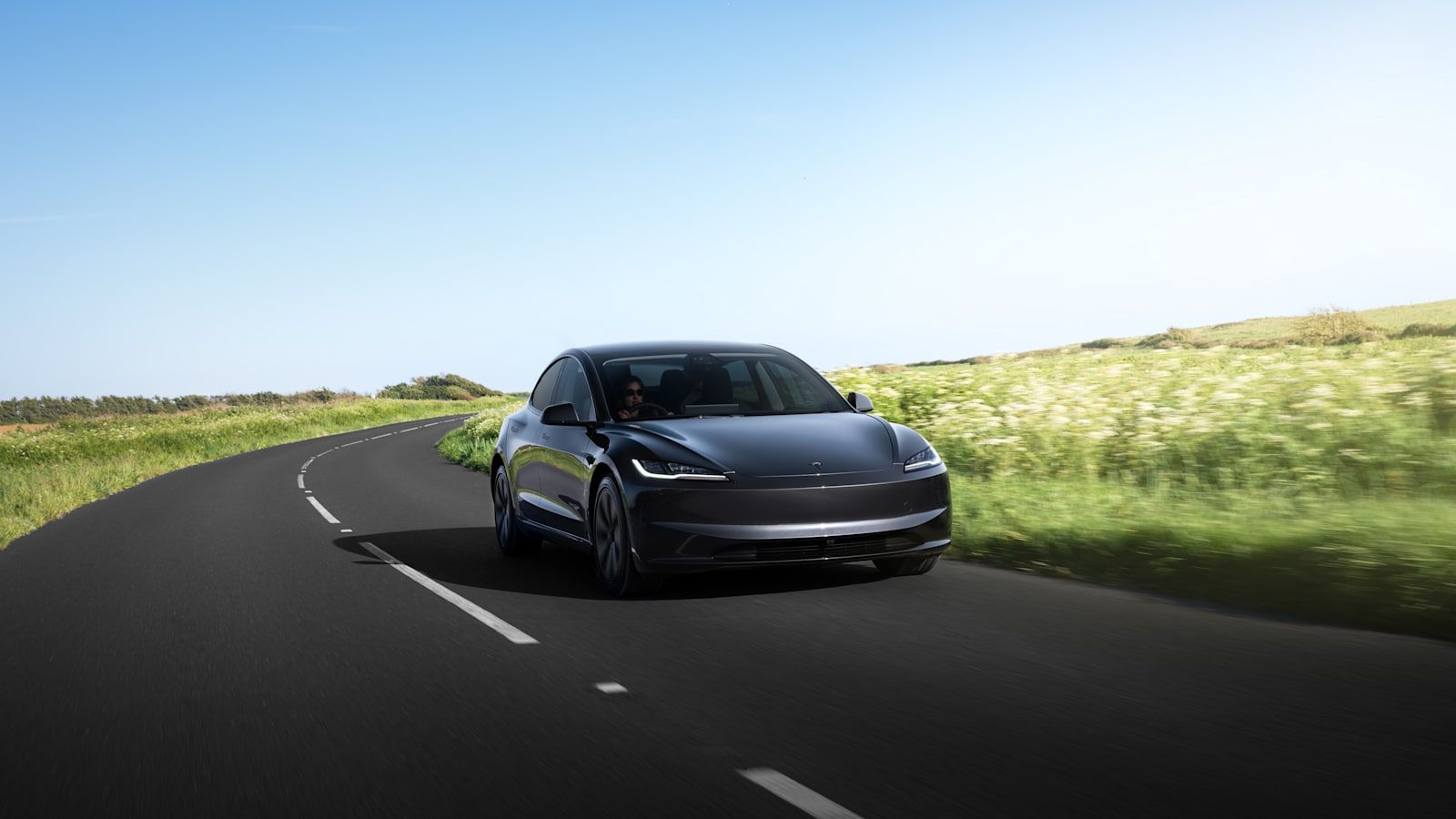
When I plan a long Tesla trip — and for EchoRoute, the project of crossing the world with Carla, this happens weekly — I use two route planners in parallel: Tesla's built-in one and A Better Routeplanner (ABRP). They're not redundant. Each does things the other doesn't, and combining them separates a stress-free trip from one with surprises.
This article explains the real differences, when to use each, and how to configure ABRP so estimates match your real consumption.
Tesla's native planner
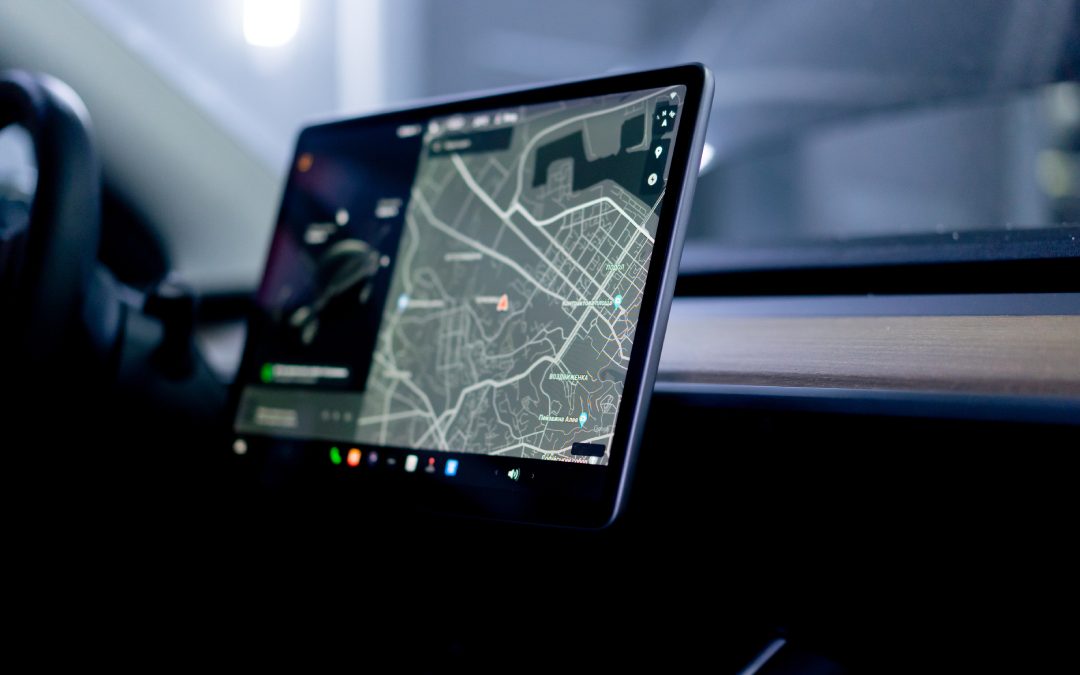
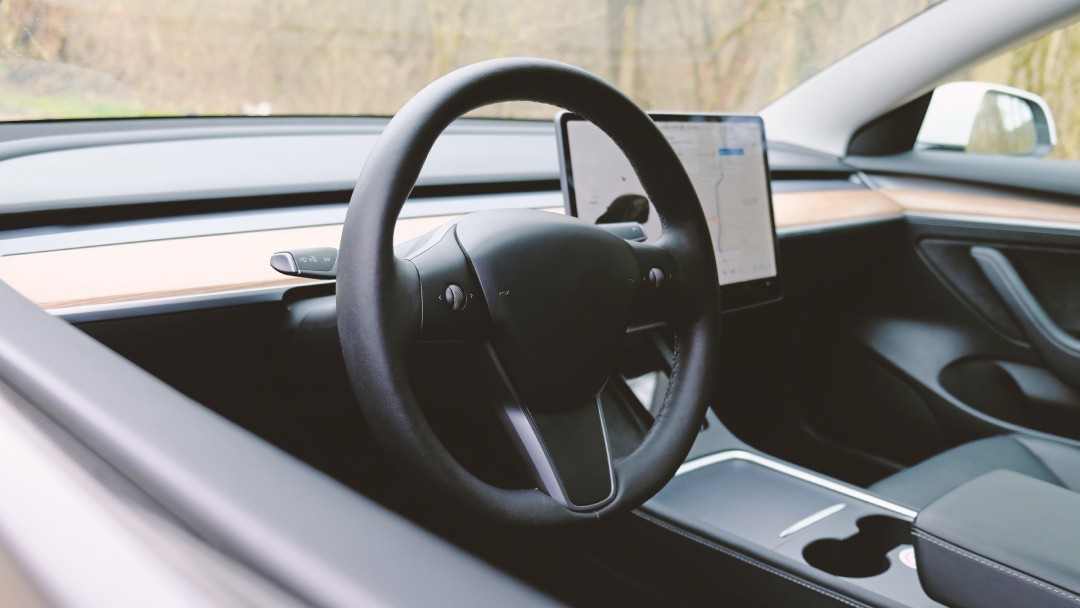
You find it directly on the central screen. Enter a destination and the car calculates the route, shows which Superchargers to use, how much battery you'll arrive with at each, and the target charge percentage per stop.
Strengths:
Knows your car in detail: battery health, historical consumption data, current outside temperature and real-time traffic. Estimates are surprisingly accurate.
Preconditions the battery automatically on the way to a Supercharger. Big difference in charging speed.
Integrated with navigation. No need to open another app.
Limitations:
Only uses Tesla Superchargers. Doesn't consider non-Tesla fast chargers even if they're on the way.
Doesn't let you edit parameters (driving style, load weight, weather conditions).
Doesn't simulate alternative scenarios. Gives you a route, doesn't let you explore variants.
What is A Better Routeplanner (ABRP)
ABRP is a web and mobile app that's been around for years, originally created by the Tesla community but now supporting all EVs. It's the most sophisticated planner available.
Strengths:
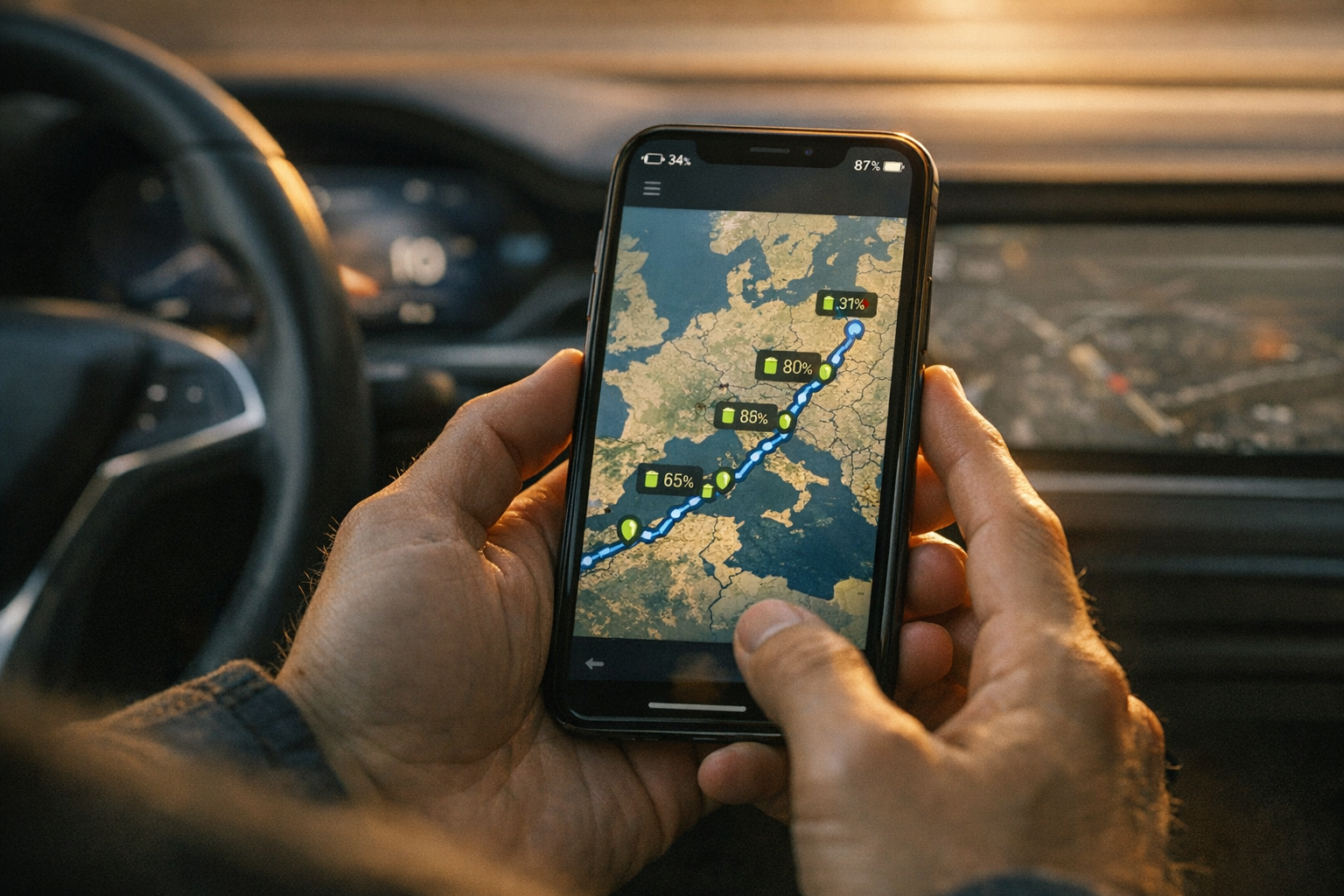
Considers all available chargers, not just Tesla: Iberdrola, Ionity, Allego, Electromaps, all. If there's a cheaper and closer fast charger than a Supercharger, it'll suggest it.
Lets you load your real custom consumption. If you drive faster or slower than average, ABRP adapts.
Simulates weather conditions: temperature, wind, rain. Critical in winter or routes with strong headwinds.
Lets you compare alternative routes, different driving speeds, and see how total time changes.
Integrates real-time meteorology when planning. If you're entering a storm zone, it factors it in.
Limitations:
Doesn't auto-precondition the battery (do it manually or use the native planner in parallel).
Free version has restrictions. Premium costs ~€50/year but it's fully worth it if you travel a lot.
Requires opening another app and planning before leaving.
How to combine both: my real workflow
For a long trip (over 400 km) I do this:
Step 1: pre-trip planning with ABRP. Before leaving, I enter the destination in ABRP web. Review which Superchargers it suggests, how much battery I'd arrive with at each, total time and estimated cost. If something looks off, I adjust driving speed or temperature so ABRP simulates my scenario.
Step 2: route in car with native planner. Once in the car, I enter the destination on the central screen. The native planner suggests its own route. I compare: does it more or less match ABRP? If yes, I stick with native because it preconditions the battery. If it differs, I evaluate which is right.
Step 3: adjustments during the trip. As I drive, both planners update. If something comes up (a downed charger, a detour), I check ABRP on the phone for alternatives.
Configuring ABRP so estimates are accurate
If you just open ABRP and enter a destination without configuring anything, estimates will be generic. To make them useful:
Connect your Tesla to ABRP. Via Tesla API or OBD. ABRP receives real data from your car: consumption, battery, temperature. If you connect, estimates auto-calibrate.
Define your custom "Reference Consumption". In the Vehicle section, ABRP lets you tweak reference consumption. If you drive faster than average, bump it 10–15%. If more conservative, lower it.
Enable wind and elevation. By default ABRP uses weather models. Enable advanced options to include wind and elevation per leg.
Configure minimum arrival percentage. Default is 10%. I prefer 12% for margin. For remote zones, push to 15–20%.
When NOT to use ABRP
For short trips (under 200 km) or where you know you'll arrive with margin, the native planner is enough. Opening ABRP for a nearby city is overkill.
Also if you're in a zone where there are only Tesla Superchargers (Spain's Mediterranean corridor is a good example), ABRP doesn't add much because the native planner already has the full Tesla network loaded.
When ABRP is essential
Long trips crossing multiple countries: ABRP integrates chargers from various operators and many countries.
Winter or extreme conditions: ABRP's meteorological simulation is far superior.
Remote routes with few Superchargers: ABRP lets you combine with non-Tesla CCS to fill gaps.
When you're carrying heavy load or a trailer: weight affects consumption and ABRP lets you adjust this parameter.
Complementary apps I also use
Plugshare: real-time user reviews. If a charger is down, you'll see it on Plugshare before any planner.
Electromaps (Europe): most complete charger database in Spain and Europe, with real-time pricing.
Tesla Toolbox: view detailed battery health. Helps ABRP refine estimates.
Common planning mistakes
Relying only on the native planner on long trips. Tesla only suggests its Superchargers. If there's a cheaper and closer CCS charger, you won't see it.
Not preconditioning the battery. In winter, arriving with a cold battery can cost 15 extra minutes of charging. Set the destination at least 20–30 minutes before arrival.
Arriving too charged at the Supercharger. If you arrive at 50%, you lose total time. Arriving at 10–15% is optimal to minimize trip time.
Ignoring weather. A sustained headwind can eat 50 km of range without you noticing until it's too late.
Conclusion
Tesla's native planner is excellent for daily trips and medium routes. ABRP is essential for serious long trips: it gives you control over variables the native planner doesn't expose, and combining both gives you the best of both worlds.
If you want to know which Supercharger network is available in Spain, see map of Tesla Superchargers in Spain. And to know what each stop will cost, see how much it costs to charge a Tesla in Spain.