If there's one thing I learned planning EchoRoute, the project of crossing the world in a Tesla with Carla, it's that the right apps make the difference between a stress-free trip and one full of surprises. Driving a Tesla across Europe or the US is relatively easy today, but having the right tools on your phone saves you hours, money, and headaches.
These are the 10 apps I use every day traveling with my Tesla. Some are obvious, others are findings that have been in the community for years and that few new road trippers know about.
1. Official Tesla app
Essential. The official app lets you control practically everything from your phone: preheat the cabin before getting in, lock/unlock, see charging status in real time, get alerts if someone touches the car, set Camp Mode remotely.
What I use most: preheating the interior 10 minutes before leaving in winter, watching charging progress while eating, and the "find my car" function in big parking lots.
Free. Inevitable.
2. A Better Routeplanner (ABRP)
The most serious route planner for EVs. Integrates Tesla and non-Tesla chargers, simulates weather conditions, lets you load custom consumption and compare alternative routes. The app experienced Tesla owners recommend most.
What I use most: planning trips over 400 km, simulating how total time changes with different speeds, comparing costs between Tesla Supercharger and public CCS.
Free limited version and Premium (€50/year). The Premium is fully worth it if you travel regularly.
3. Plugshare
The most complete community-maintained EV charger database in the world. Has photos, recent reviews, plug photos (important to know what adapter you need), and notes on whether there are restaurants/bathrooms nearby.
What I use most: verifying if a non-Tesla charger is actually operational before arriving. Many times an "official" charger has been broken for weeks and you only find out from Plugshare comments.
Free.
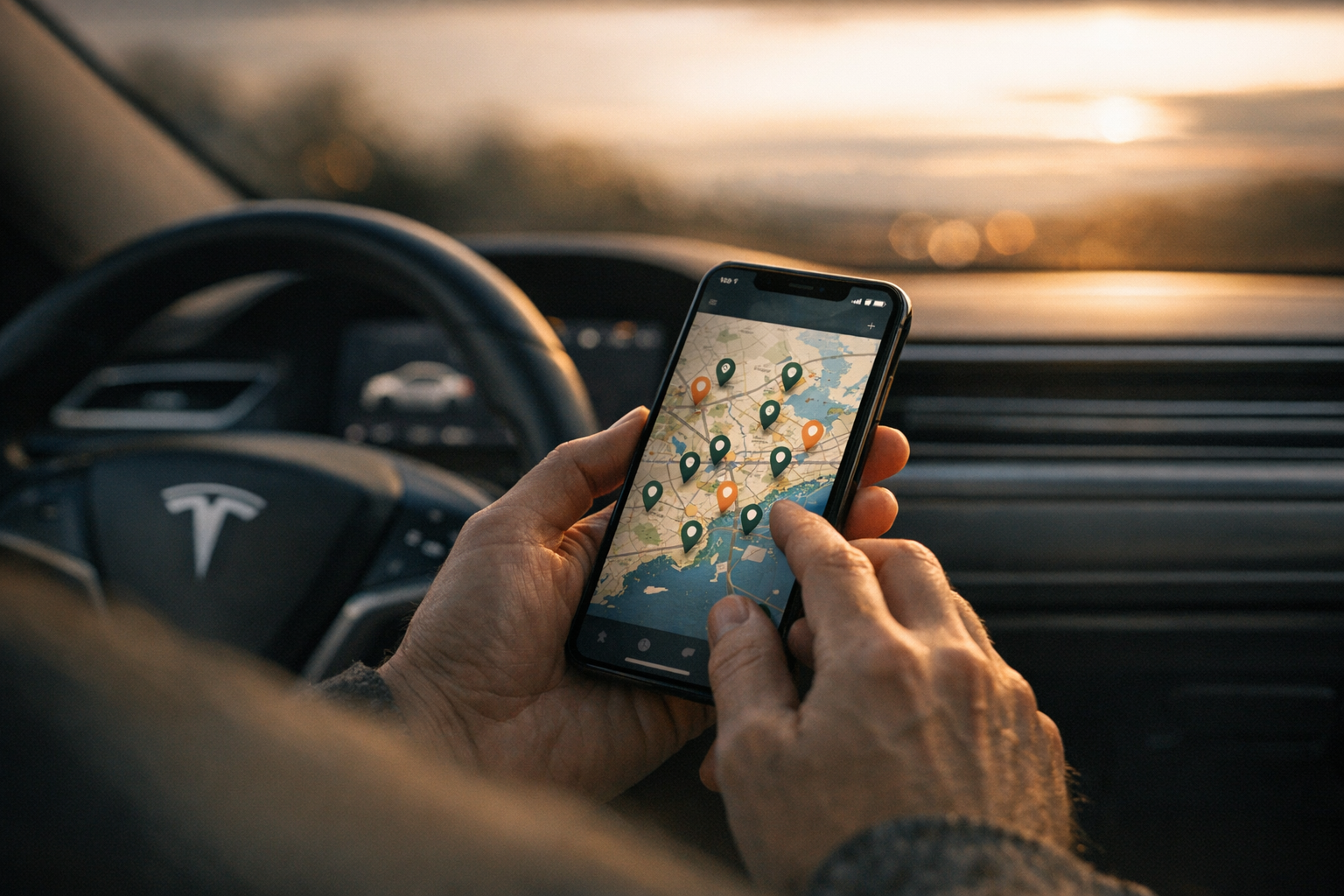
4. Electromaps (for Europe)
Similar to Plugshare but specifically strong in Europe, especially Spain, France, Italy and Germany. Has real-time pricing, very useful when comparing costs between chargers before choosing.
What I use most: filters by charging speed (DC 50+, DC 100+) to find only fast chargers without wasting time.
Free.
5. Tessie
Third-party app that connects to your Tesla via the official API and logs everything: every trip, every charge, exact consumption, costs. Generates very detailed monthly reports on how much you spent on electricity, how many kilometers you drove and average consumption.
What I use most: see actual battery health of my car (not Tesla's estimate), and understand my consumption by driving style in different conditions.
Paid (~$5/month), but if you care about data it's worth it.
6. Park4Night
App to find places to park and/or spend the night in Europe. Includes motorhome service areas, secure 24h parkings, approved overnight spots. Essential if you plan to sleep in the Tesla with Camp Mode.
What I use most: filter by points with nearby EV charger + shower + drinking water.
Free with Premium option (€10/year) without ads.
7. Tesla Toolbox
Third-party app showing technical Tesla info that the official app hides: battery health with raw data, per-trip efficiency, motor data, component status. Not for everyone, but if you care about the technical side of the car, great.
What I use most: check real battery health every 6 months to detect degradation.
Free version with limitations, Pro ~$20 one-time.
8. Waze
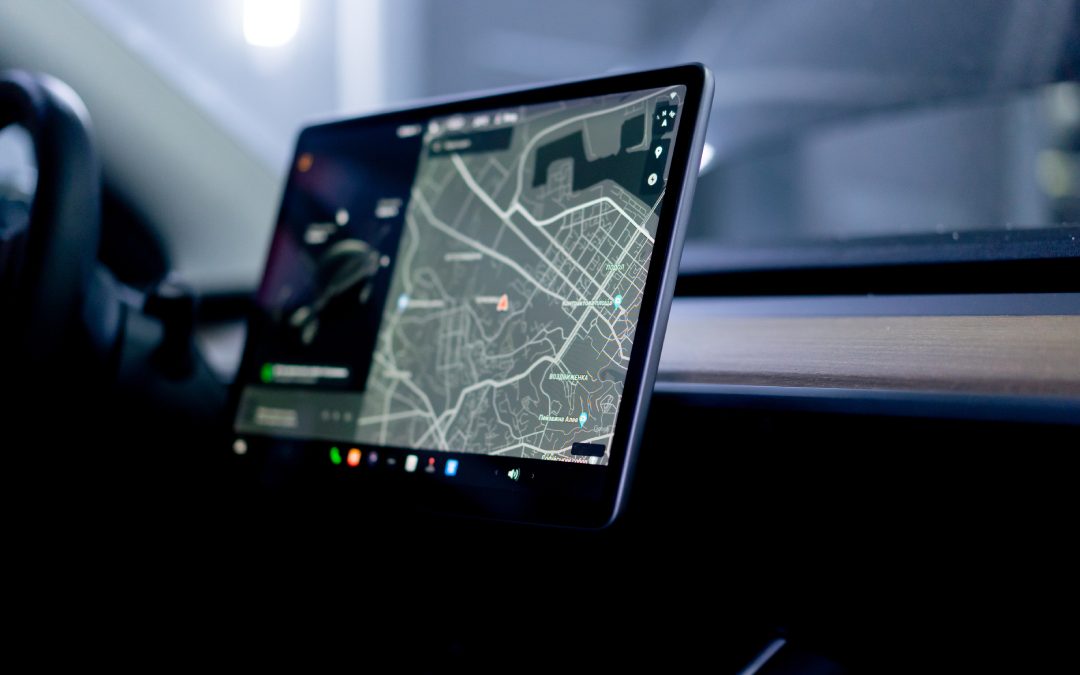
More than just navigation, Waze is the best app to avoid traffic and radars in real time. The Tesla screen shows Google Maps by default; Waze on the phone is complementary.
What I use most: on long highway trips, especially France and Italy, Waze alerts you to fixed and mobile speed cameras that Tesla's map doesn't show.
Free.
9. SpotHero / Parclick (for parking in cities)
Apps to reserve parking in advance in major European or US cities. SpotHero dominates in the US, Parclick in Europe. You save money and time avoiding the search for parking when you arrive in a new city.
What I use most: book the day before in Rome, Barcelona, Paris. Especially useful if the parking has EV charger.
Free. You only pay for the reserved parking.
10. Non-Tesla charger payment apps
If you'll use non-Tesla chargers, you'll need one or more operator apps. Most important in Europe:
Iberdrola Public Charging (Spain, important).
Endesa X Way (Spain).
Ionity (Europe-wide high-power network).
Allego (Europe-wide).
Fastned (Netherlands, Germany, UK).
EnBW mobility+ (Germany, very good).
Tip: download all of them before leaving, register a payment method in each one. If you arrive at a charger without the app, you waste time trying to create an account in the moment.
Combinations I use by situation
Daily city trip: Just Tesla app + Waze.
Weekend trip (200–500 km): Tesla app + Waze + Plugshare in case I need an extra charger.
Long trip (500+ km): ABRP in pre-planning + Tesla app in car + Plugshare/Electromaps for real-time charger validation + Park4Night for accommodation.
Cross-continent (weeks): Everything above + Tessie for reports + non-Tesla operator apps preloaded.
Advanced configs that save you time
Connect ABRP to your Tesla via API. Once configured, ABRP automatically receives real consumption, battery and temperature data. Estimates become accurate to ±2–3%.
Enable Tesla App notifications. Tells you when charging finishes, if there's any error, or if the car enters alert mode. Reassuring to know the car tells you about anything.
Configure Park4Night to filter by "EV charger nearby". Searching for sleeping spots WITH nearby charger avoids battery problems on wake-up.
Tesla route planner for Europe: why ABRP is the essential tool
If you search for a tesla route planner for Europe, the answer is ABRP (A Better Route Planner). Tesla's built-in navigation is good, but for long cross-border European routes it has real limitations.
The main issues with Tesla's native route planner in Europe:
- It doesn't account for real Supercharger congestion — in summer, arriving at a full station is common across Spain, France, and Italy.
- It can't route across mixed charging networks (Ionity, national operators, and Supercharger) in a single plan.
- Battery buffer estimates can be conservative, adding unnecessary stops on routes you could complete in fewer charges.
After using ABRP as my main Tesla trip planner for Europe across thousands of kilometers in Spain, France, Italy, and further east, here's the exact setup that works:
How to configure ABRP for European Tesla routes
- Connect via Tesla API. In ABRP settings, link your Tesla using the API key from the Tesla app. ABRP then reads your real battery level, actual energy consumption, and outside temperature in real time — estimates improve dramatically.
- Enable all charging networks on your route corridor. For Western Europe: Ionity, EnBW mobility+, Allego, Fastned, Iberdrola (Spain), Endesa X Way (Spain). Leave Supercharger always on. Adding more networks gives ABRP more routing flexibility.
- Set a minimum arrival charge of 10–15%. This is your real-world safety buffer. ABRP plans every stop around it so you always arrive with margin for traffic or unexpected detours.
- Plan multi-day routes on desktop first. ABRP's web version (abetterrouteplanner.com) is much easier for complex European itineraries. Add all waypoints, see total charging time per day, adjust, then send to your phone.
For multi-week Tesla road trips across Europe, activate ABRP's "plan a trip" feature: it calculates total charging time per day and helps structure overnight stops around charging locations — useful when you're doing 600+ km days.
One practical tip that makes a big difference: use ABRP for planning, but follow Tesla's navigation in the car for turn-by-turn directions. Both apps open simultaneously. When real consumption deviates from the ABRP estimate (headwind, mountain pass, heavy cargo), ABRP recalculates on the fly via the API connection and adjusts the charging stops.
Conclusion
The right app stack transforms the Tesla road trip. The 10 apps in this list are enough to cover 95% of the scenarios you'll find driving across Europe or the US. My advice: install them all before leaving, not after. Creating accounts and configuring payments takes time, and you always need it when you're far from WiFi.
If you want to see how I combine these apps on a real route, read how I plan a Tesla route with ABRP. And for the complete European road trip guide, see Tesla road trip through Europe.